Voice strategy
Voice communications are created from Strategies → Create strategy through the same wizard used by the other channels.
Before you begin
Prepare the channel template, recipient list, schedule, and sender. The full creation guide explains the shared settings.
Configure the strategy
- Select Assisted.
- Under Channel and template, choose Voice and select a voice template.
- Configure the audience, frequency, and schedule.
- Under Sender, select the available Provider and origin.
- Review the summary and use Create and start when the configuration is correct.
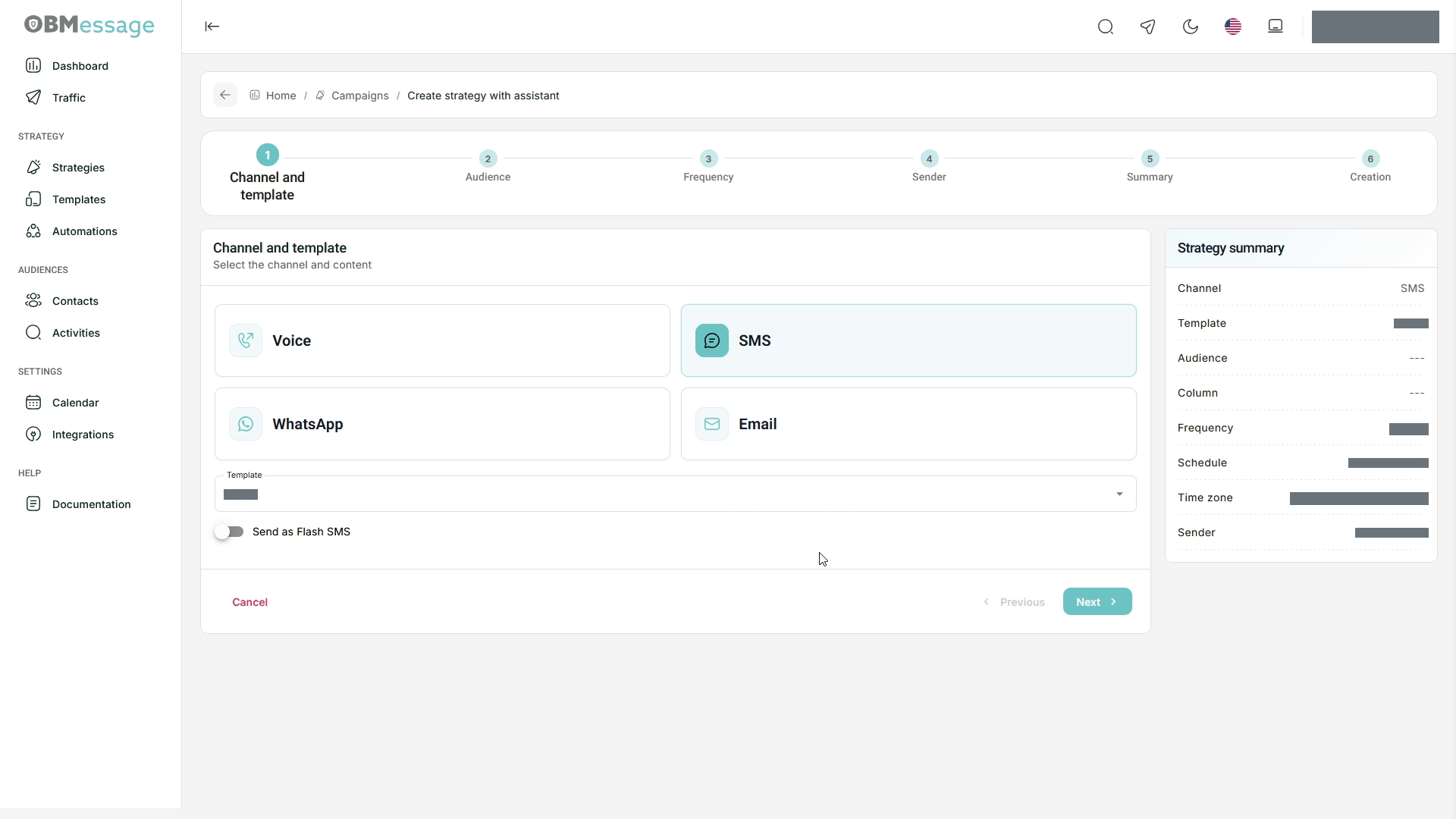
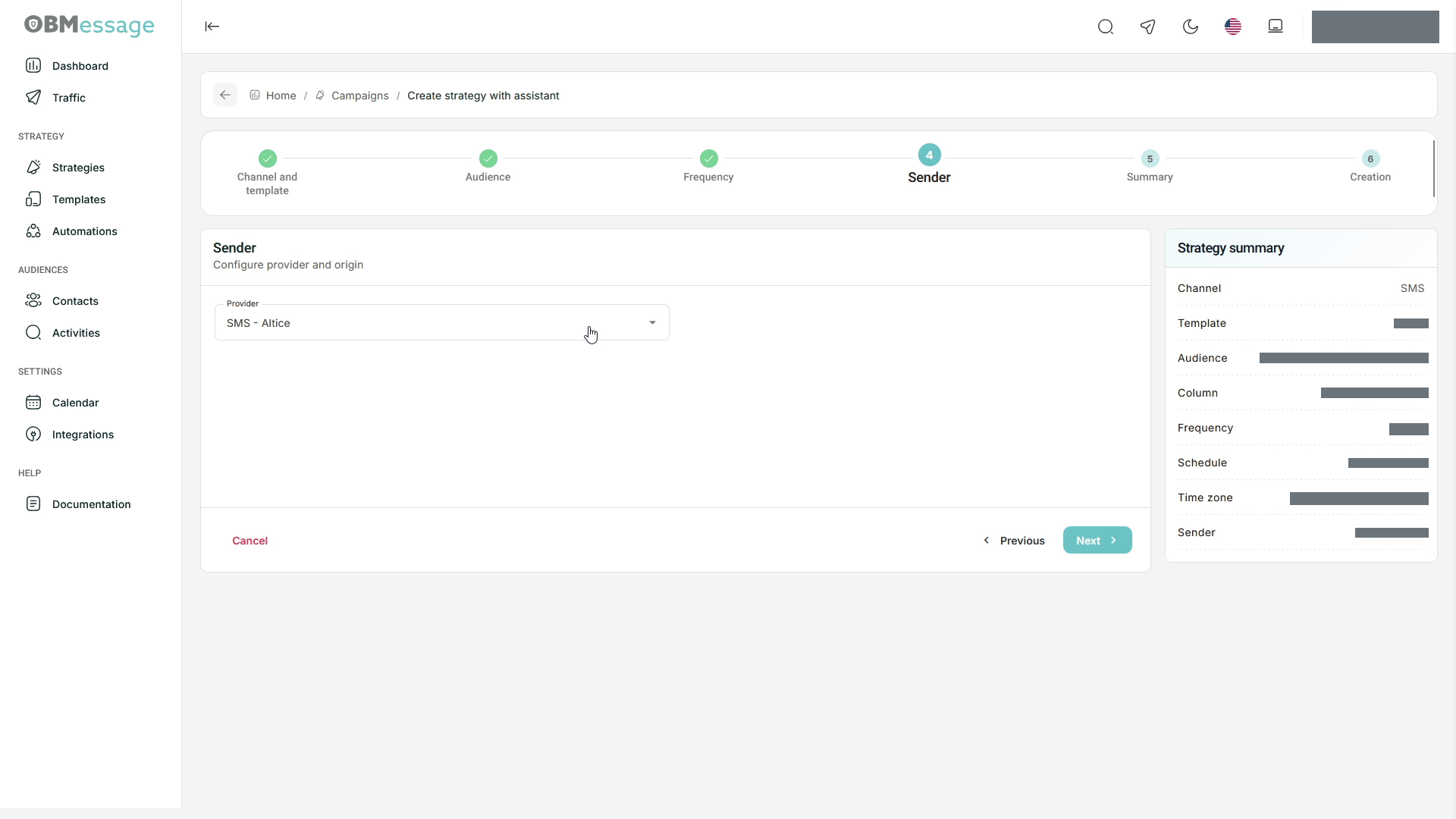
See Create and update strategies for the complete wizard, audience upload, frequency, and subsequent editing.
Check the result
Return to Strategies to check the status and scheduled period. Review delivery records in Activities. A strategy waiting for its schedule does not imply immediate delivery.