Block lists
Block lists hold exclusions for strategies and channels. Open Contacts → Blocks to review or maintain their records.
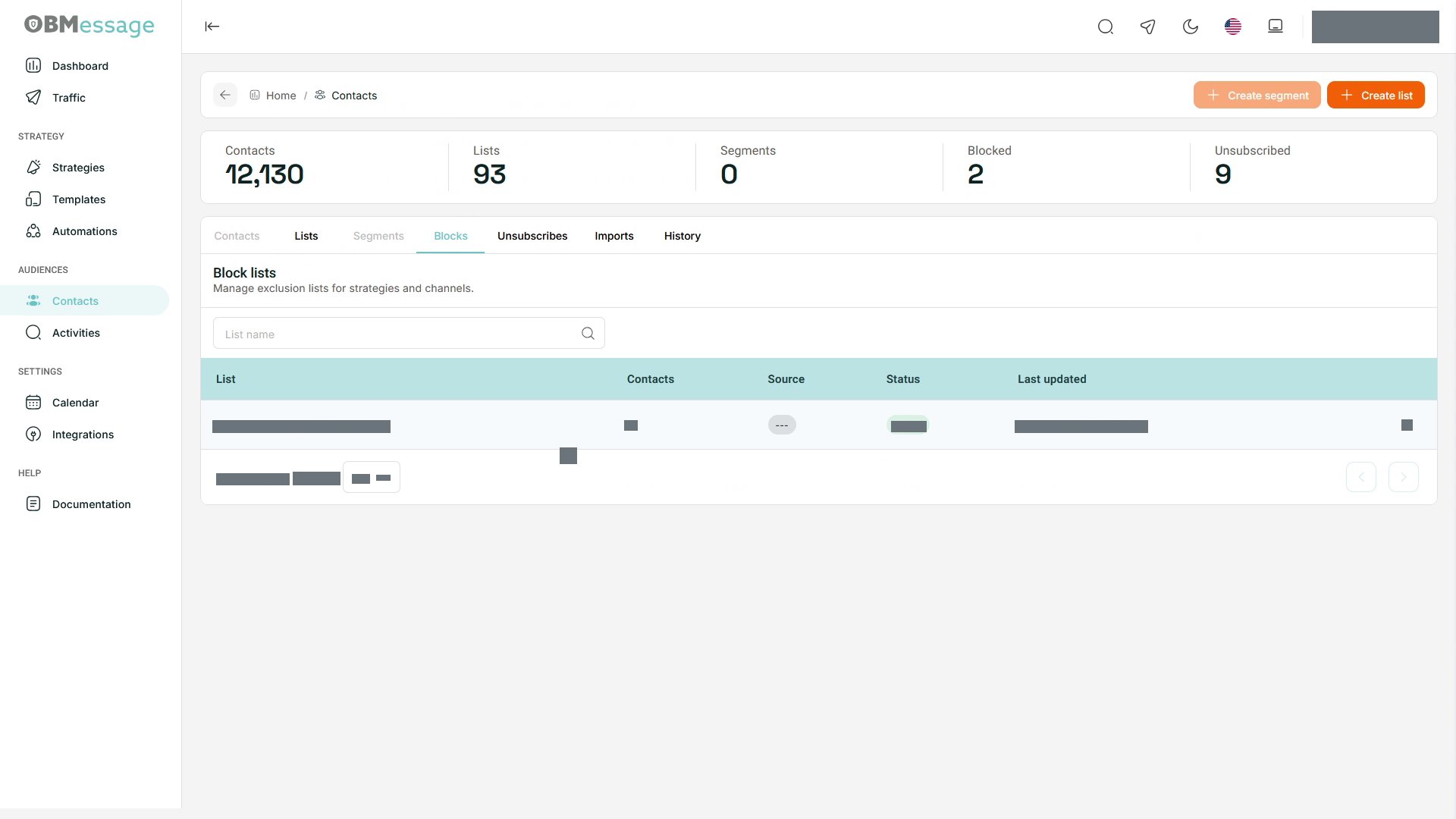
Find a list
- Search by List name.
- Review List, Contacts, Source, Status, and Last updated.
- Open the required list.
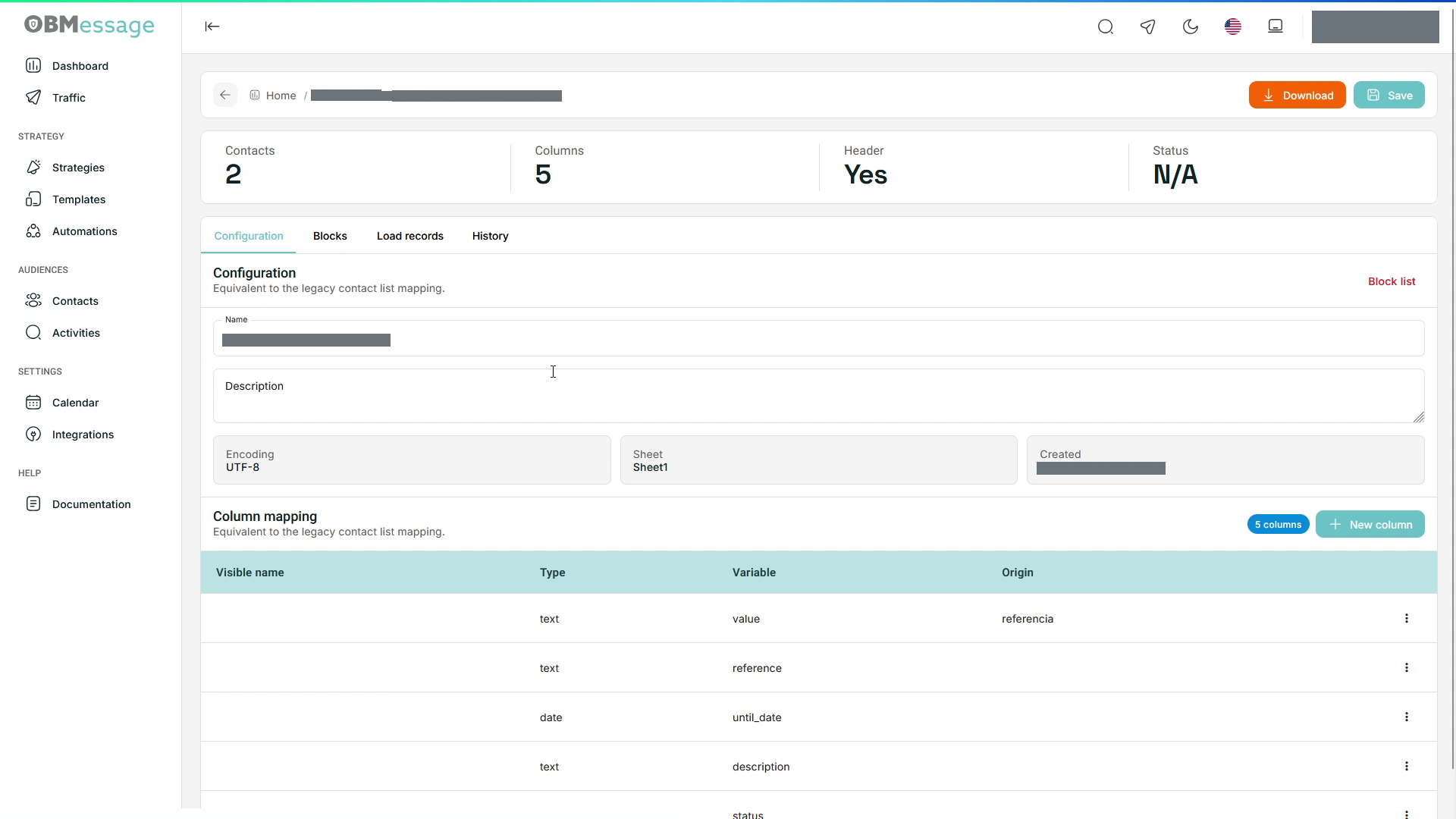
Review configuration
- Open Configuration.
- Review the name, description, encoding, sheet, and creation information.
- Under Column mapping, check how each source column maps to its Visible name, Type, Variable, and Origin.
- Use New column if you need another column, then review the configuration before selecting Save.
The mapping belongs to the selected list; do not assume all lists have the same columns.
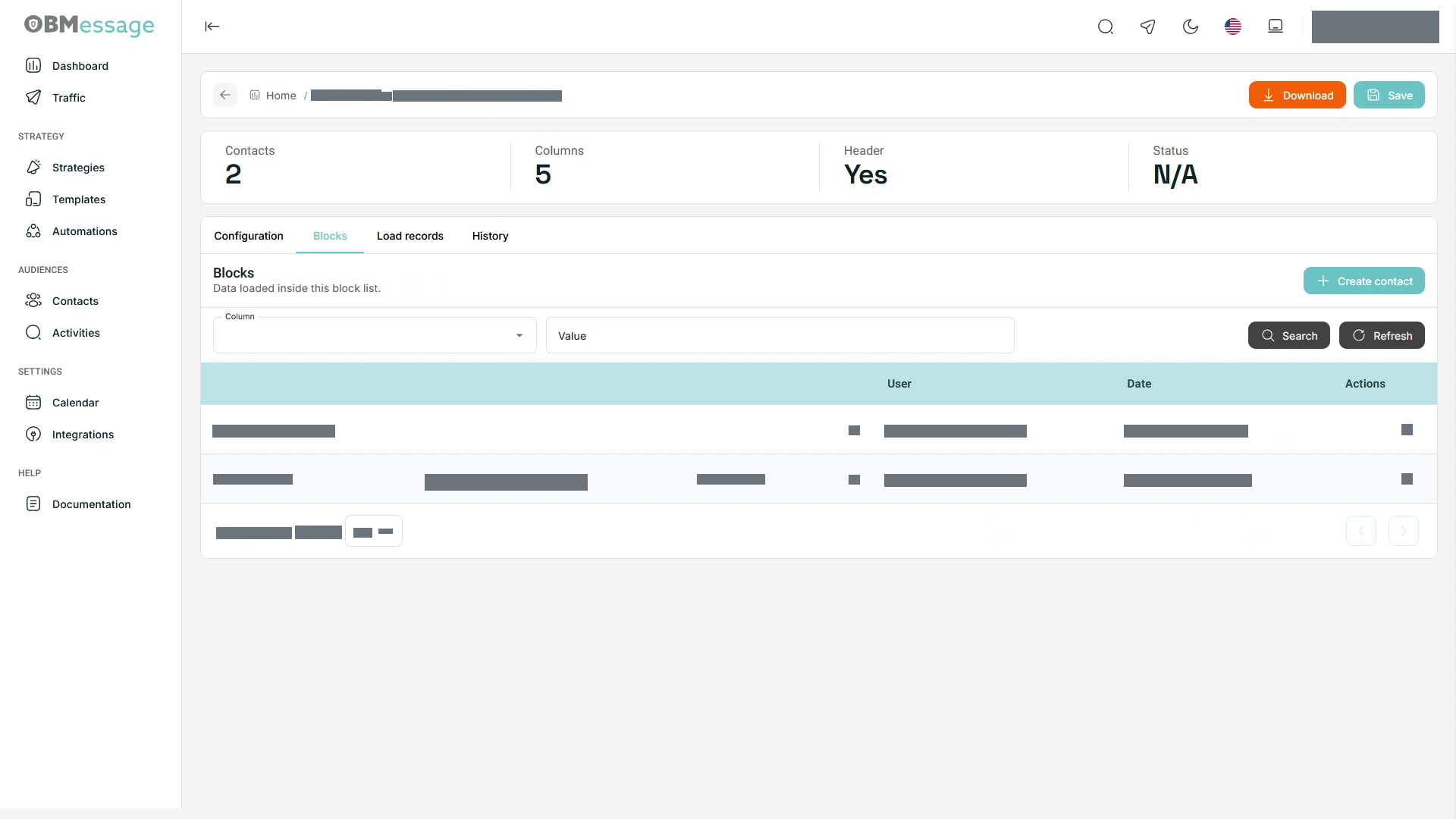
Search blocked records
- Open Blocks.
- Select Column, enter Value, and select Search.
- Review the matches. Use Refresh to update the view.
Create contact opens the entry point for adding an individual record.
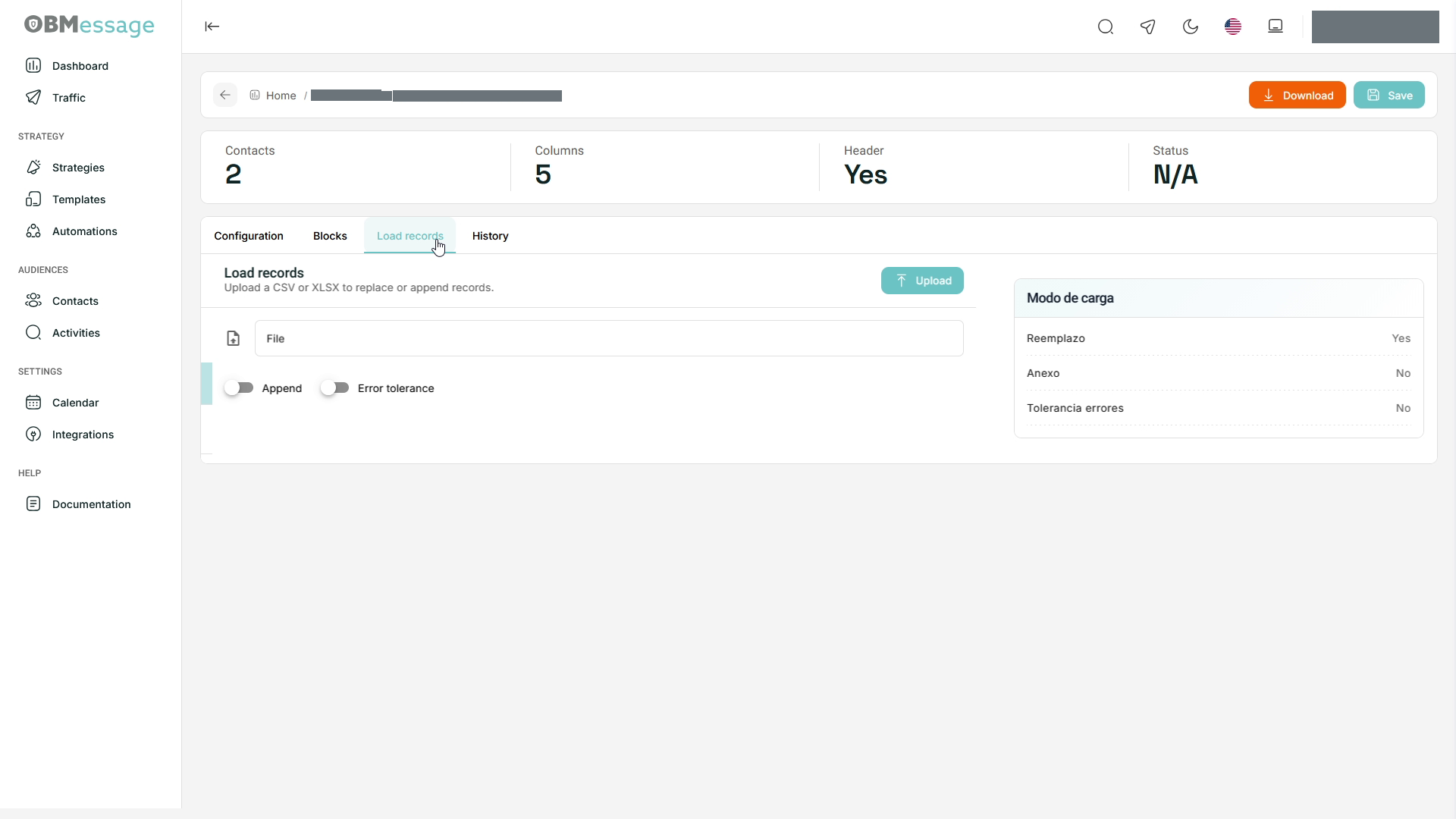
Load records
- Prepare a CSV/XLSX file matching the list's columns.
- Open Load records and select the file.
- Review Append to specify whether records should be added to the existing list.
- Review Error tolerance before starting the load.
- Select Upload and check the application response.
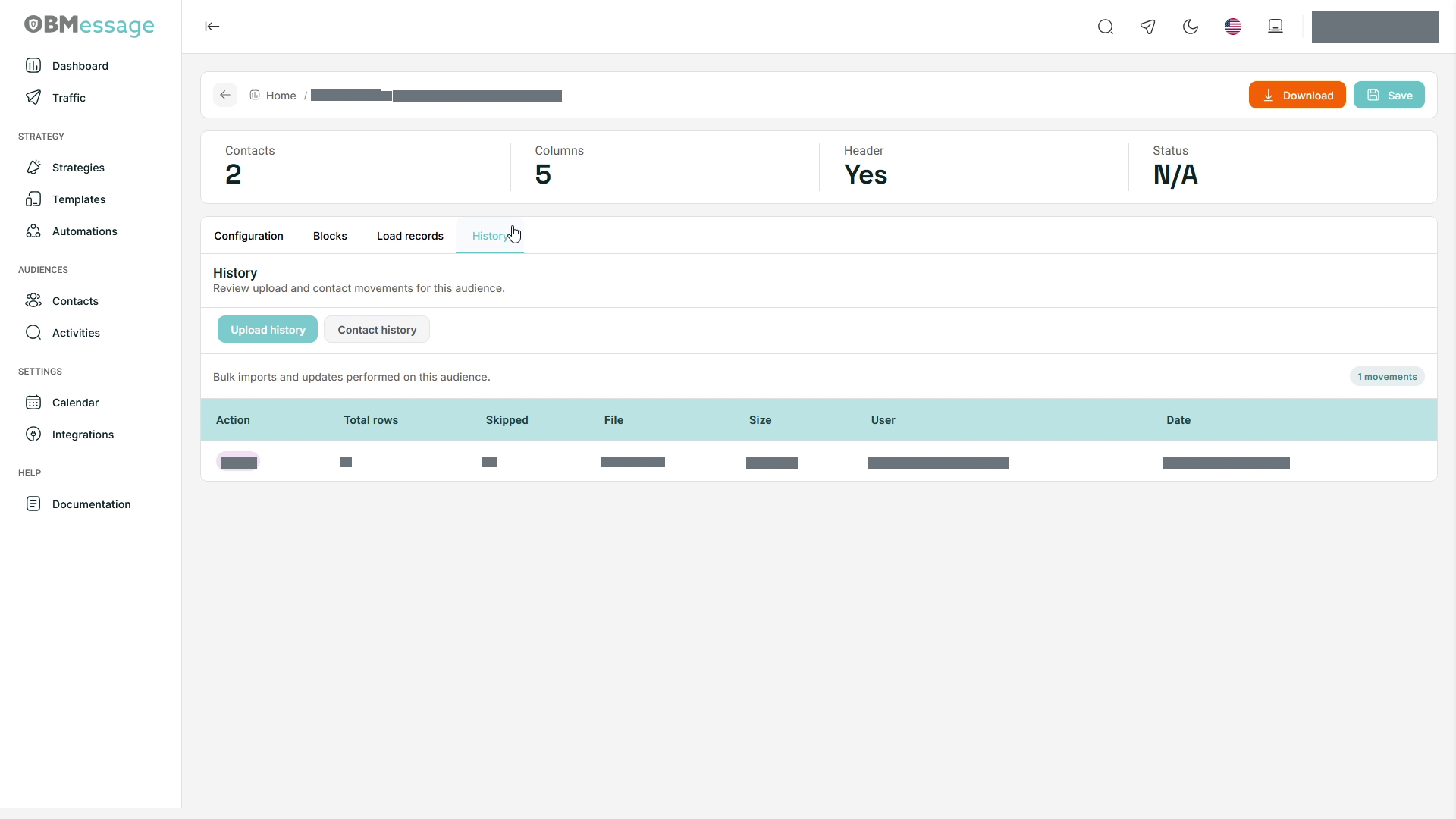
- Open History → Upload history to review the operation, then check the resulting records under Blocks.
Review changes
Use History → Contact history to review record changes. The detail header also provides Download for exporting list data.
Select Lists to return to Contacts.