Quick query
Use Quick query to find records for a recipient by channel and review their status. To send a test message, see Service test.
Before you begin
Have the recipient's phone number and country code, or email address, ready. The dialog retains Spanish labels; the instructions below include those labels so you can locate each field.
Search by phone number
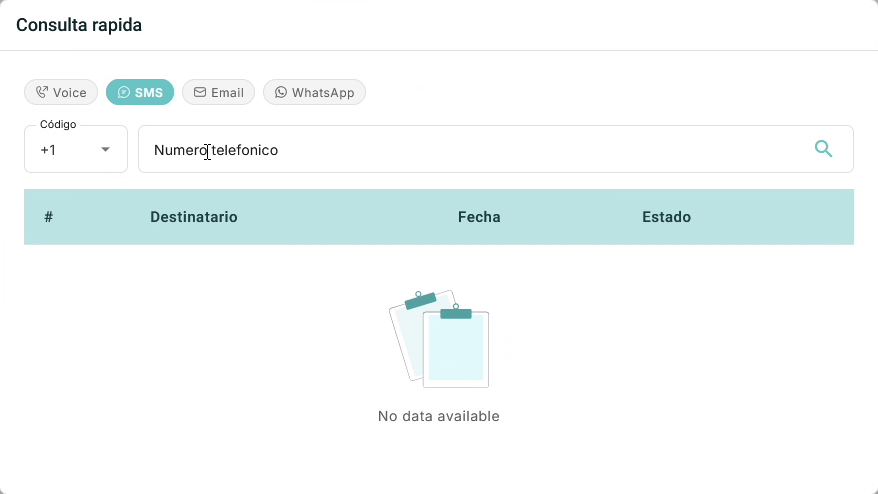
- Select the magnifying-glass icon in the top bar to open Consulta rápida (Quick query).
- Select Voice, SMS, or WhatsApp, depending on the channel you want to review.
- Enter the country code in Código and the recipient's number in Número telefónico.
- Select the search icon beside the recipient to run the query.
- Review the results table.
Search by email address
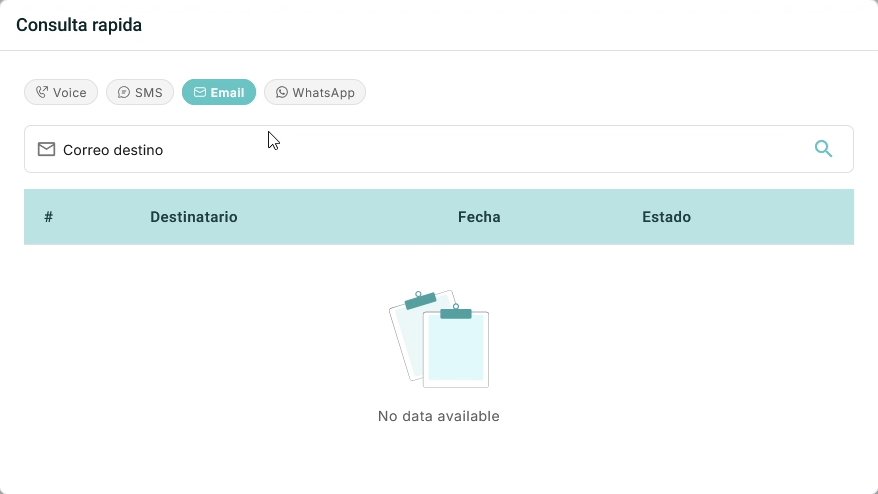
- Open Consulta rápida from the magnifying-glass icon in the top bar.
- Select the Email tab.
- Enter the recipient's email address in Correo destino.
- Select the search icon beside the field to run the query.
- Review the results table.
Interpret the results
When the query returns records, the table organizes them into these columns:
| Column | Information |
|---|---|
| # | Row number. |
| Destinatario | Phone number or email address associated with the record. |
| Fecha | Date associated with the record. |
| Estado | Status reported for the record. |
If the table is empty, check the channel and recipient details before searching again. An empty result does not, by itself, confirm a failed delivery.
If Completa el correo destino. appears, enter an email address and run the query again.
For a broader review, see Activities.