Traffic
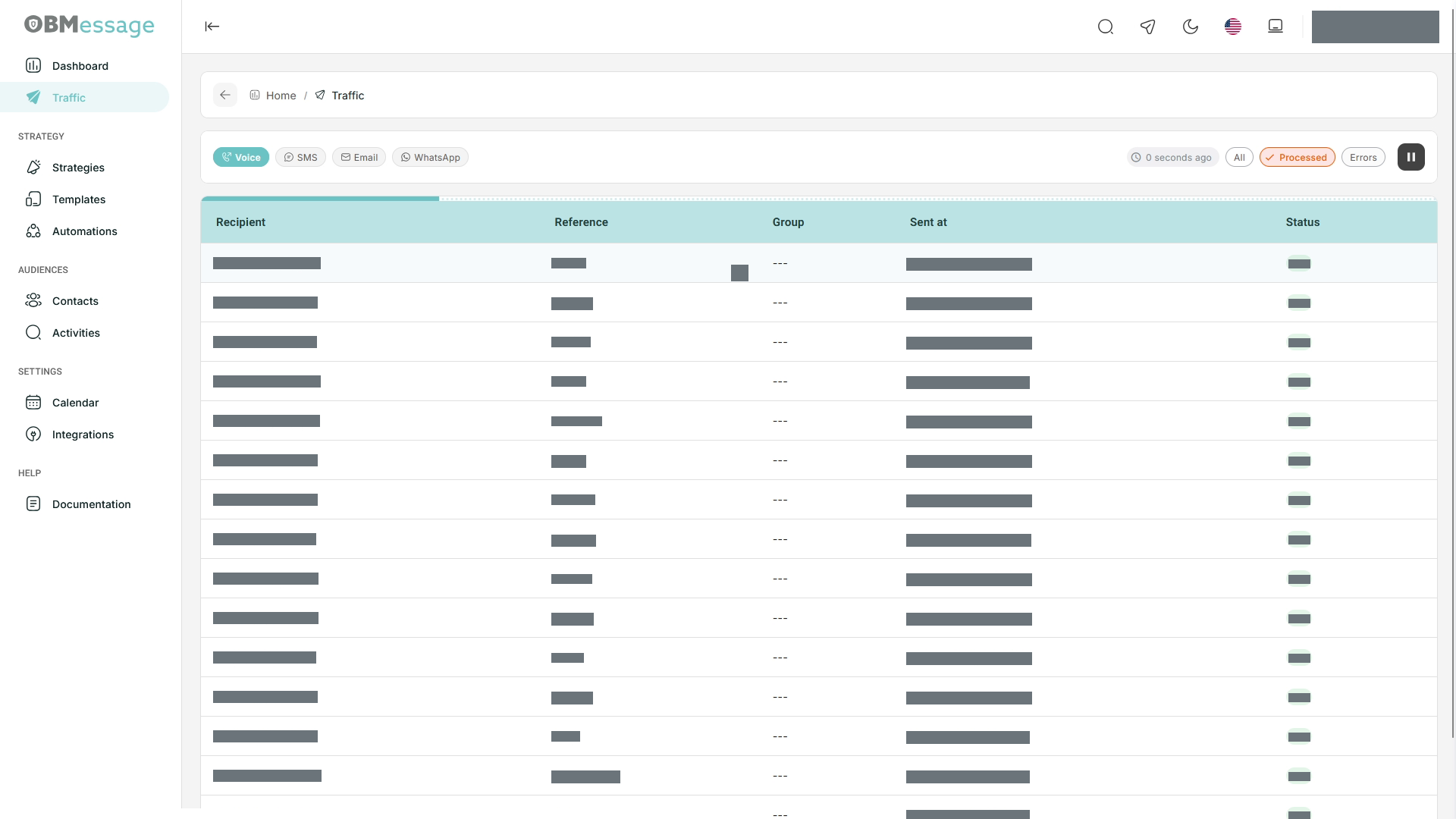
Select Traffic in the sidebar. This notification monitoring screen brings together Voice, SMS, Email, and WhatsApp.
Use the monitor
- Select a channel.
- Use the play icon to start monitoring. A pause icon and the time since the last update appear while updates are running.
- Switch between All, Processed, and Errors.
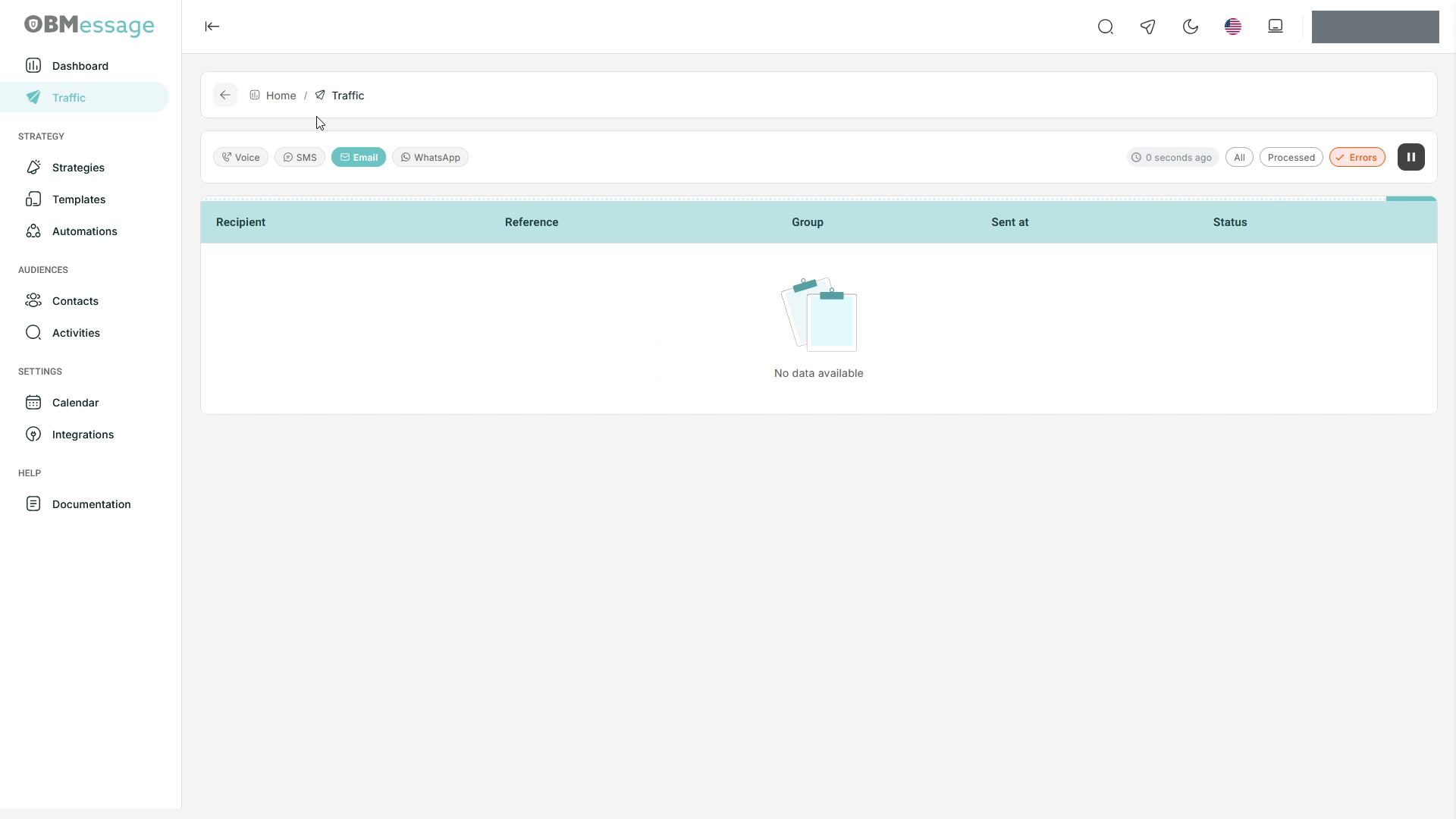
- Review the table or the No data available empty state.
| Column | Information shown |
|---|---|
| Recipient | Notification recipient. |
| Reference | Reference associated with the record. |
| Group | Group displayed for the record, when present. |
| Sent at | Delivery date and time. |
| Status | Status reported by the monitor, for example OK. Review channel records in Activities for delivery details. |
For results with date filters, open Activities.
Pause monitoring or investigate an empty result
Use the pause icon to stop updates in the monitor. Pausing this view does not replace the controls used to manage a strategy.
If the table is empty, check the channel, selected filter, and whether monitoring is active. Switch to All to review the available records.